This page will explain how to Log In, what the dashboard is, how to search and how to access your own user preferences.
You will be given a username and password to use with the system - a two factor authentication code will be sent to the email address provided (which will usually be your @peoplefocused.org.uk email address.
When you are logged into the system at the top right hand corner there is a (person) icon.
The Profile & Advanced Section have a check in there and make sure the date settings are showing you in UK format, the timezone is also one to check if you aren't getting the right times.
Check the video out below.
When you first log into the system the dashboard should be setup for you. If it is not please request this to be done from IT.
An explanation of what each dashboard is showing you is detailed further below this page.
Please use the search bar/icon in the top right - Once you have entered your search term, you can press the return key or click the magnifying glass/search icon. This will return records that match the search criteria if available.
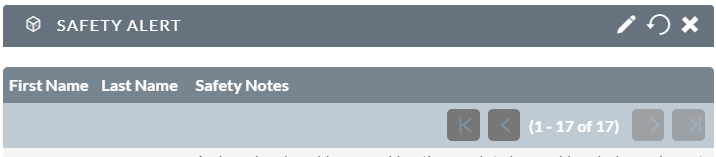
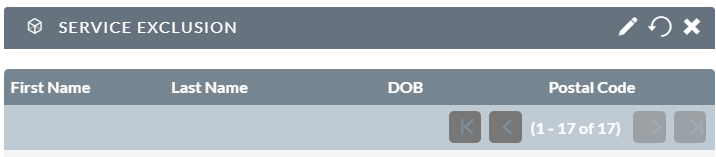
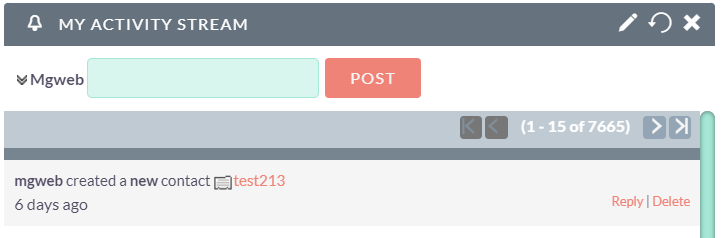
This page will show you a Safety Alert page a Service Exclusion list, an Activity Stream and a Face to Face Safety List.
These views are there for safety, any open person with us and an active safety alert or concern will be highlighted here.
This page will show you a Cases Open section, with a breakdown of which business area and a count for each + total and bar chart.
It also lists the open cases underneath this chart, note the far right column (Open TO)


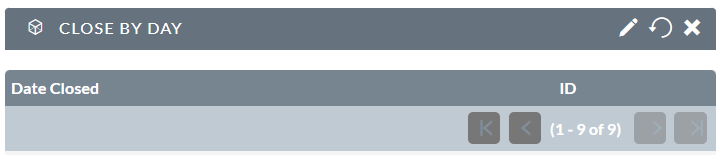
There is a Close By Day report.
This will show you a figure of people 'closed' per day - this is a count of how many 'Close Down's' are processed per day displayed.
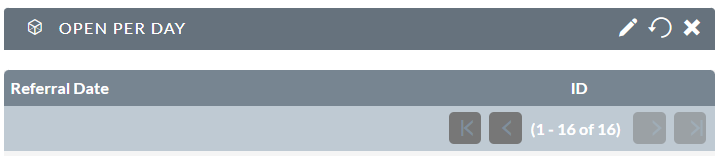
There is an Open by Day report.
This will show you a figure of people 'open' per day - this is a count of how many 'Contacts' are processed per day.
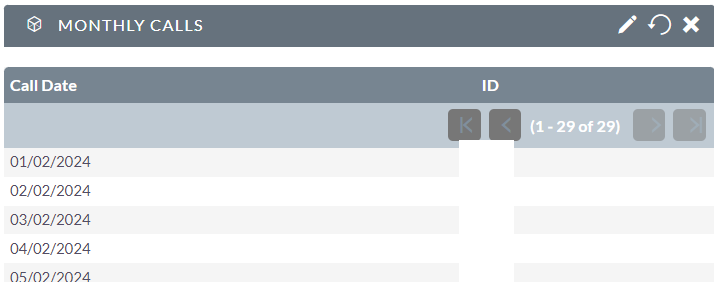
There is a Monthly Calls report.
This will show you a figure of calls done per day/month/week/year - whatever your parameter is set to (see below)
There is also a bar chart that displays under the dates.
You can change the date variable on the report - press the PENCIL . icon and change the "PARAMETERS"
Today's call list.
This is a list of calls that have been planned for today.
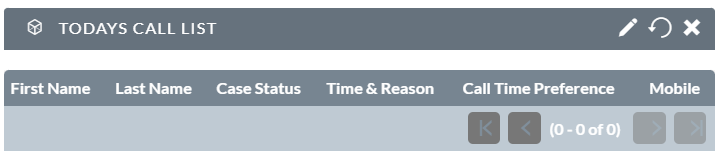
There's a Calls Done Today and a Today's Call List.
Calls Done Today will be blank at the start of the day.
Today's call list will contain a list of calls that are needed to be done that day.
The system will tally the calls you make in the Calls Done Today section - essentially it is a match match scenario :) Match the left side to the right and all calls are done that day!


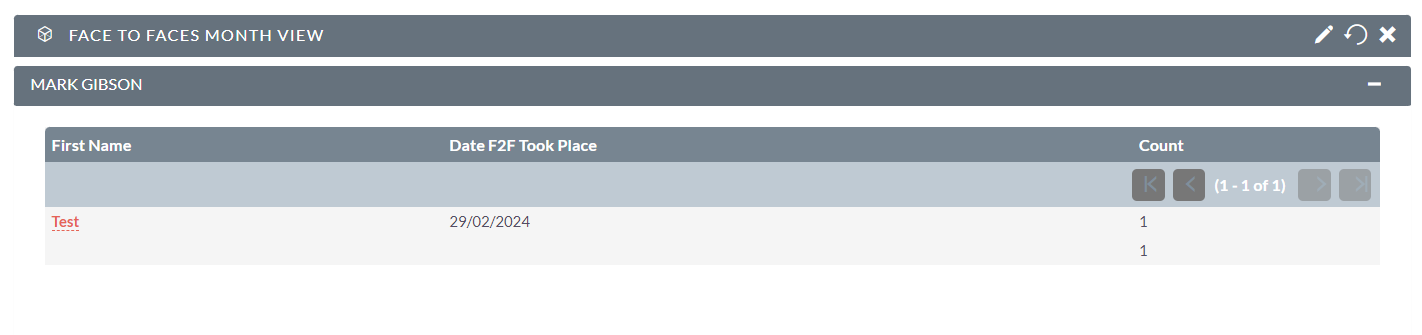
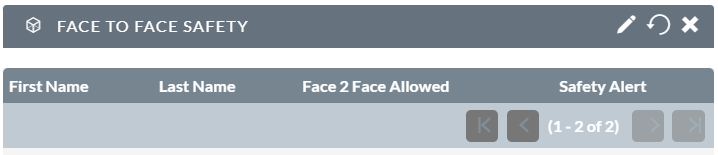
There is a Monthly Face To Face Report and a Face To Face Safety List
It will show you bookings per person and any relevant safety notes.